Friday
May062016

New study reveals Canadians are rapidly adopting smart home technology


By Sonya Davidson

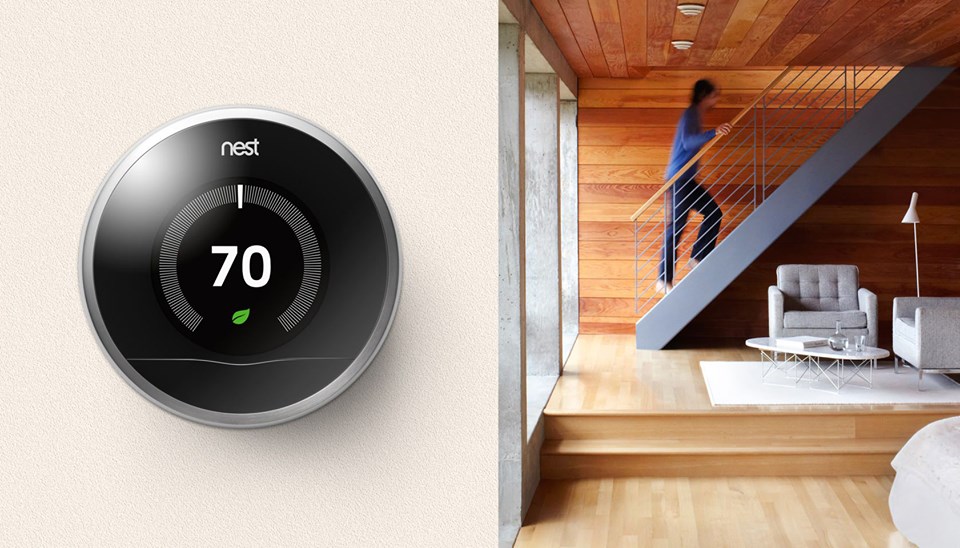
Interesting findings have been revealed recently on how Canadians expect smart home technology to become commonplace in their homes within the next two years. The study conducted by MARU/VCR&C*, and commissioned by TELUS, found a significant gap between those that believe that smart home technology will benefit their lives (61%) and those who currently own a smart home device (34%). 

But that's about to change quickly! Of those 63% of people have reported that they will own at least one smart home device by 2018 - such as a smart TV, thermostat, lighting, appliance, entry and security system etc.. Half of them also reported they will own at least three or more. 

Click to read more ...

Thursday
May052016

Evernote for Android introduces new ways to scan and edit documents, plus other new features

Looking to make it easier for Android users to scan documents and upload it on Evernote. The app now lets you simply take a photo of said document. The app has two photo-capturing modes: automatic and manual. With automatic, it can detect the size of the document and allow you to edit it later. The images you take will be added to a gallery where you can pick which ones to keep. For manual, you can select the format in which you want to save your scans. Annotations have also been added to the Android app, you can mark up images directly in Evernote with things like arrows, shapes, stamps, and text. Images on the screen are now optimized for mobile, so you get a consistent look of your notes, no matter what device you’re using. There are also new formatting styles, including strikethrough, subscript, and superscript, as well as the ability to select multiple notes. The Trash can within the app can also now be emptied as well.

For Evernote Premium users, the in-app camera can now detect business cards and pull these information into a Business Card note that you can preview and edit before you save them. Premium users can also annotate PDF documents that are attached to notes.

Source: Evernote

Thursday
May052016

Facebook tries out temporary reactions starting with a flower for Mother’s Day

We’re not sure if this’ll show up on your feed but if you suddenly find a flower there, that’s Facebook way of helping you commemorate Mother’s Day. The social network giant is supposedly testing out temporary reactions to add to the six existing ones just for Mother’s Day. These digital flower reactions are said to be coming to a few markets in time for the special occasion. Facebook won’t say though which markets will be seeing the feature. But better keep your eye out on the 8th and also if you can, please buy actual flowers for your mom or at least something she’d appreciate.

Source: Sreedev Sharma @ Twitter | Via: The Verge

Thursday
May052016

Netflix helps manage your data use with new cellular data controls

Worried about exceeding your data cap or getting your line cut off because you spent too much time watching Netflix while on cellular data? The streaming service is introducing globally new data controls to help you manage how much you stream over data. The default setting will allow you to stream around three hours of TV shows and movies per gigabyte of data. When it comes to bitrates, this setting amounts to around 600 Kilobits per second, which Netflix says achieves a good balance between video quality and data usages. You have the option to set a higher or lower streaming quality but of course that also means better or less ideal streaming. You can set it to auto, as discussed earlier; low, which allows around four hours per GB of data; high, which allows one hour per GB of data; and unlimited for those with unlimited data plans. The last one promises to give you the highest quality possible, which also means it could use up like 1GB per 20 minutes or more depending on your device and network speeds. Of course, you can also turn this feature off and not stream over data.

To toggle these settings, simply head to the Menu icon and select App Settings. From there, head to Cellular Data Usage and then select the setting you prefer. If you set your data usage for all devices under the Playback settings on Your Account page, the streams on mobile devices will not exceed this setting.

Source: Netflix